
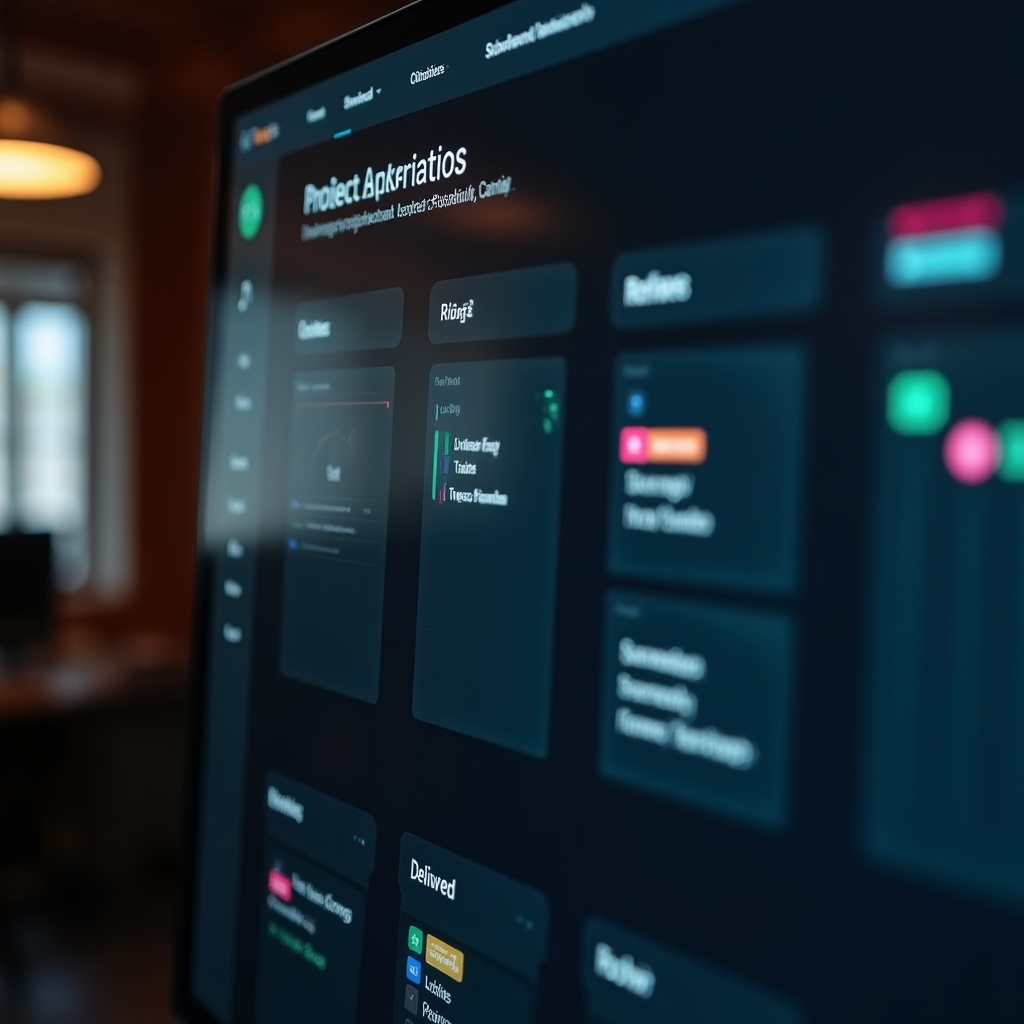
Every module, explained plainly_
No feature bloat. Four connected modules that cover brief intake, routing, status updates and reporting, plus the settings that let each studio configure it their way.
Brief intake
The starting point for every job. A structured form your clients use to submit new work, revisions or urgent requests, feeding directly into your project system without manual re-entry.
Custom form builder
Configure separate intake forms per client, per service line, or per project type, each capturing exactly the fields you need.
Deadline and priority fields
Clients specify their required date and priority level, which feeds directly into routing and the overdue-flag logic.
Asset attachment handling
Reference files, brand guidelines and existing assets attach directly to the brief, so nothing gets lost in a separate email chain.
Auto-confirmation replies
Clients receive an immediate confirmation with a reference number, reducing "did you get my email" follow-ups.
Skill-based task routing
Once a brief is structured, it needs a home. Routing logic matches task requirements against your team's skill tags and current capacity.
Configurable skill tags
Define tags that reflect your actual team: copywriting, illustration, paid media, video editing, WordPress, whatever applies.
Capacity awareness
Routing factors in how much active work each person already carries, spreading load more evenly across the team.
Manual override
Account leads can reassign at any time. Automation suggests, but never locks in a decision your team disagrees with.
Escalation rules
If no team member matches the required tags, the brief escalates to a nominated lead instead of sitting unassigned.
Phase-triggered status updates
Communication that happens the moment work actually changes state, not whenever someone remembers to send an email.
Custom phase structures
Map your own production stages, from a simple Brief → Draft → Approved flow to a detailed multi-phase pipeline.
Client-facing templates
Plain-language updates go to clients, written to match your studio's tone rather than a generic system notification.
Internal team alerts
More technical, detailed notifications keep your internal team aligned without cluttering the client's inbox.
Full status history
Every phase change is logged against the project, giving you a clear record if a client asks about timing later.
Weekly summaries and deadline flags
Reporting that happens on its own schedule, plus an early-warning system for deliverables drifting toward late.
Automated weekly digest
A generated summary of what moved, what's stalled, and what's due next, ready to forward or present as-is.
Overdue-risk flags
Tasks nearing their deadline with no recent movement get flagged for attention before the date actually passes.
Adjustable thresholds
Decide how early a flag should trigger, whether that's two days or a full week before the due date.
Export options
Summaries export as PDF or a shareable link, suitable for client meetings or internal leadership reviews.
Check the FAQs, or talk to us directly.
We've answered the questions we hear most often from Australian agencies exploring workflow automation for the first time.
Or skip ahead and book a walkthrough.